Tasmal x Cheque Encoder
Industry-leading cheque encoding software trusted by banks and institutions worldwide. Advanced security, seamless integration, and global compliance.
Key Features
Accurate Encoding
Ensures precise cheque data capture and encoding for all major banks.
Seamless Integration
Connects easily with core banking and document management systems.
Advanced Security
Multi-layer encryption and user access controls for compliance.
Batch Processing
Process high volumes of cheques simultaneously with automated workflows.
Customizable Templates
Adapt fields and layouts to match specific banking formats and requirements.
Admin Privileges
Instant management of both active and Dormant Bank Branches.
System Requirements
| Component | Requirement |
|---|---|
| OS | Windows 10 pro or Windows 11 pro |
| Processor | Intel i5 or equivalent (1.9 GHz+) |
| Memory | 8 GB RAM (16 GB recommended) |
| Storage | 250+ GB free space (HDD recommended) |
| Peripherals | MICR-enabled cheque scanner |
Tasmal X License Renewal Process
Important: Grace Period Notice
Users are encouraged to submit renewal requests 30 days prior to expiry to ensure a seamless transition before the 60-day grace period concludes.
Renewal Process
1. Identify Hardware
Open Tasmal X and navigate to the Product Activation screen to retrieve your machine-specific Serial Number and Hardware ID.
2. Submit Request
Complete the Official License Renewal Request form below. You'll receive a confirmation email copy automatically for your records.
3. Security Binding
All licenses are machine-specific; ensure the hardware identifiers match the terminal intended for cheque production.
Submit Online Renewal Request
Complete the form below with your hardware information. All fields are required for security verification.
Need Assistance?
If you encounter any issues during the renewal process or have questions about your license, please contact our support team:
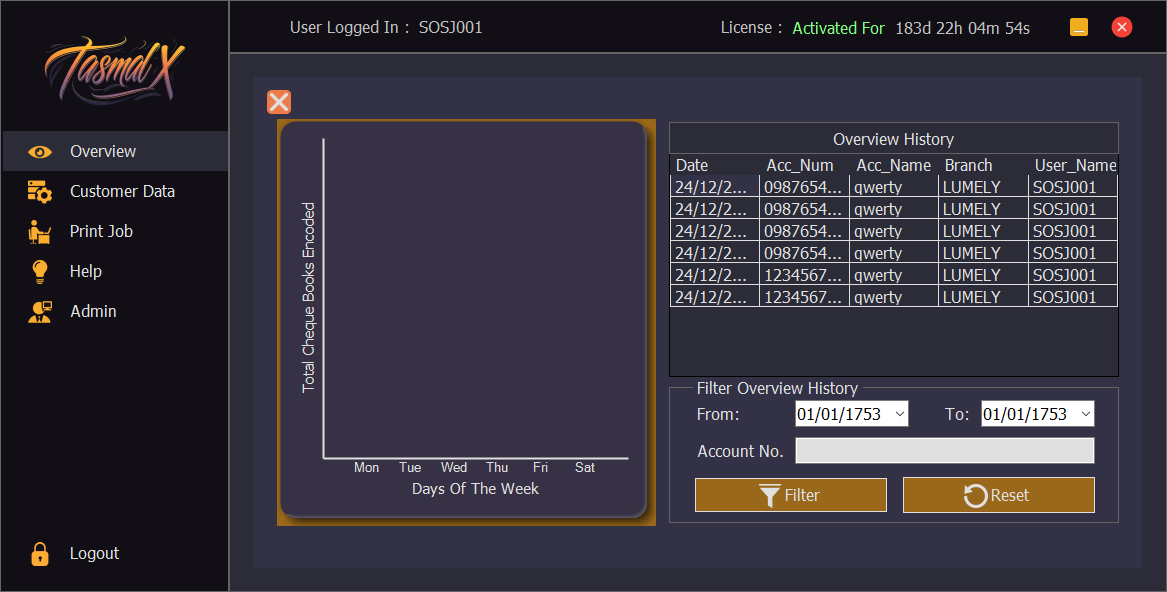
See Tasmal x in Action